YouTube's latest update brings a significant change to how users interact with the app, introducing custom feeds alongside a new mobile interface. This move empowers users to better control their viewing experience, but it could also prompt considerations about the devices used to access these features.
Understanding the New Custom Feeds
The introduction of custom feeds marks a shift towards more personalised content consumption on YouTube. Users can now create up to three feeds tailored to specific interests, with YouTube Premium members having the option to save up to eight feeds. These feeds allow users to define their content preferences more explicitly, optimising their homepage experience.
The custom feeds will appear as top tabs on the main screen, allowing quick toggling based on the viewer's preference or mood. Despite being custom, the feeds still influence overall recommendations, ensuring a dynamic integration of personally curated and algorithm-suggested content.
Navigation Changes in the Mobile App
A noteworthy change accompanying the custom feeds is the relocation of the Subscriptions tab, which has moved to the top bar of the Home screen. This alteration from the bottom navigation bar, where it has resided for nearly a decade, forms part of a broader effort to streamline the user experience alongside dedicated feeds for Live, Music, and Movies & TV content.
Users may initially find this change disrupts established muscle memory, but it aims to simplify access to a wider array of content-specific feeds directly from the Home screen.
Where Custom Feeds Work
YouTube says Custom Feeds are coming to the web, mobile apps and TVs, starting in the US. Tablet support has not been confirmed yet, so if you mostly watch on an iPad or Android tablet you may have to wait. You create a feed by describing what you want in plain language, such as long documentaries for winding down in the evening, and each feed then refreshes with its own recommendations.
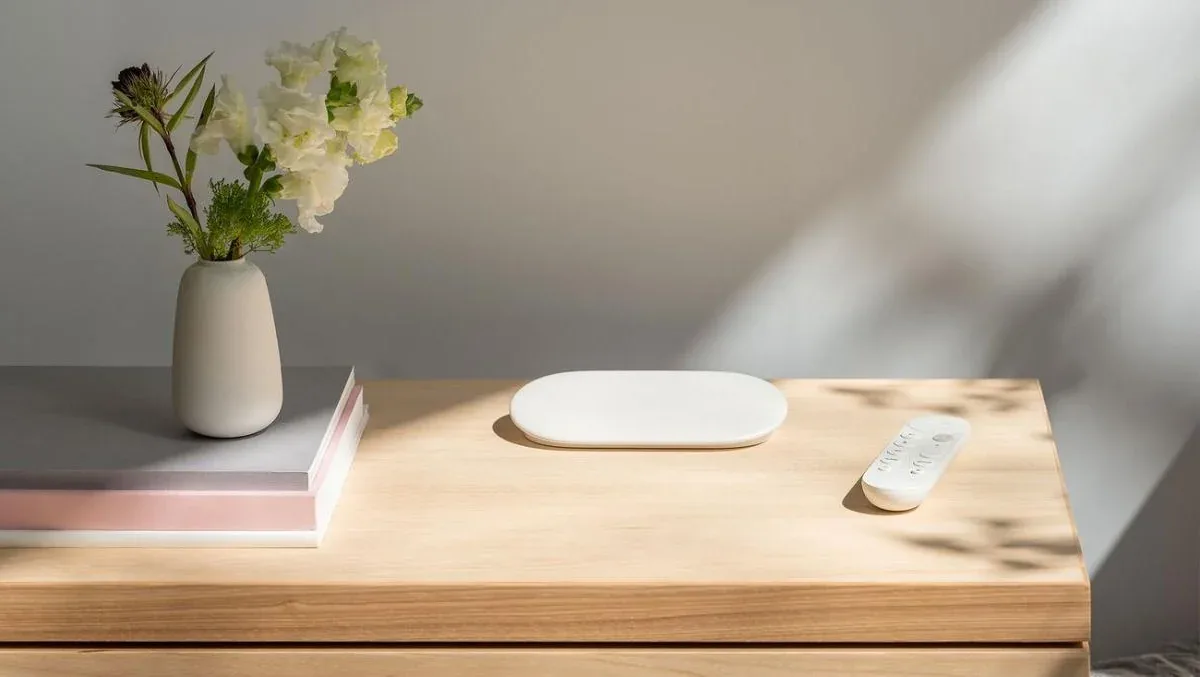
Because feeds are coming to TVs, the big screen is a natural place to use them. If your TV's built-in apps are slow or no longer updated, a streaming box such as the Google TV Streamer 4K is an inexpensive way to get the latest YouTube app with a voice remote.
What It Means for Buyers
You do not need new hardware to use Custom Feeds: an up-to-date phone, a browser or a current smart TV app should be enough once the feature reaches your account. The main thing to do is keep the YouTube app updated and, if you are outside the US, watch for a wider rollout.
If you are planning an upgrade anyway, prioritise devices that get regular software updates. Older smart TVs and streaming sticks often stop receiving new app versions, which is usually how features like this pass you by.
Conclusion
YouTube's custom feeds update represents a significant step in enhancing user control and personalisation of content. However, its impact might extend beyond software, prompting users to align their device choices with new viewing habits. As this feature expands, flexible, always-updated devices will be advantageous in realising its full potential.