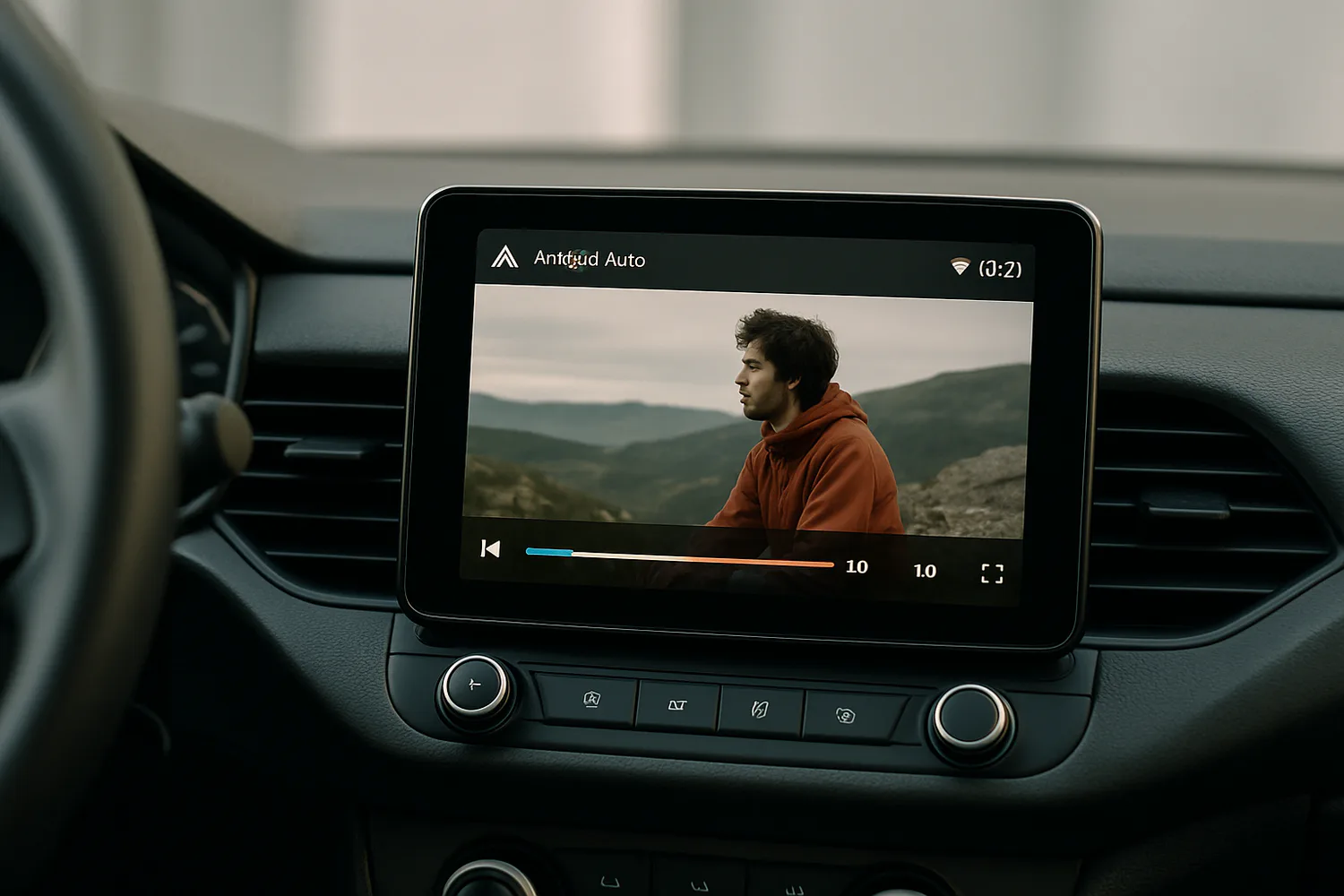
Android Auto blocks video playback for safety, which is frustrating if you spend time waiting in a parked car. AA Browser is a free, open-source web browser built for Android Auto head units that gets around this by letting you open websites, including YouTube, on your car's screen. Android Police tested it and found it works well for YouTube, with some caveats.
What AA Browser does
AA Browser runs a full web browser on your Android Auto display. You can browse to streaming sites, use a touchscreen keyboard, switch to the desktop version of a site and save bookmarks, which helps because typing on a car display is awkward. In Android Police's testing, YouTube ran smoothly, with channel browsing and full-screen playback similar to the mobile site.
What works and what does not
- YouTube: works well, including full-screen video.
- Other streaming services: AA Browser supports Widevine L3, so some protected services may play, usually at lower resolution. Results vary by site.
- Plex and heavy sites: can slow the browser down and cause playback problems, especially with high-resolution libraries.
Older workarounds such as Fermata Auto have become harder to use as Google restricts third-party media players, which is why a browser-based approach is appealing.
How to install AA Browser
Because it works around Android Auto's restrictions, AA Browser is not on the Google Play Store. The general steps are:
- Enable Android Auto developer settings: open Android Auto in your phone's settings (Connected devices on Pixel and Galaxy phones), scroll to the version entry and tap it repeatedly until developer mode is unlocked.
- Install the app: download it from the project's GitHub page, or through a sideloading tool such as Android Auto Apps Downloader (AAAD), and grant the permissions it asks for.
- Reconnect to your car: the AA Browser icon appears in the Android Auto launcher the next time it starts.
Sideloaded apps are not reviewed by Google, so only download from the project's official source and expect to tap through security warnings.
Is it worth it?
If you regularly wait in your car, for example while charging an EV or during school pickup, AA Browser is a handy way to use the screen you already have. It is not a replacement for native app support, and setup takes a few minutes of tinkering. Never try to watch video while driving; the app is designed to switch off when the car moves.
Android Auto is also getting smarter in official ways: see our explainer on Gemini Personal Intelligence in Android Auto.
Can you watch YouTube on Android Auto?
Not officially. AA Browser, a sideloaded open-source app, lets you open YouTube in a browser on the car screen while parked.
Does AA Browser work while driving?
No. It disables itself when the vehicle is moving, and you should never watch video while driving.
Is AA Browser on the Play Store?
No. You install it from GitHub or through a sideloading tool after enabling Android Auto developer settings.
Does Netflix work in AA Browser?
AA Browser supports Widevine L3, so some protected services may play, but results vary and quality may be limited.