Apple HomeView, the company's new smart home hub, costs $299 / £299 / AU$449 and ships on November 13. The price gets you the hardware, but several of its headline features, including personal Siri requests and AI camera summaries, only work if you also own a recent iPhone or iPad and pay for iCloud+. Here is exactly what you need.
What HomeView is
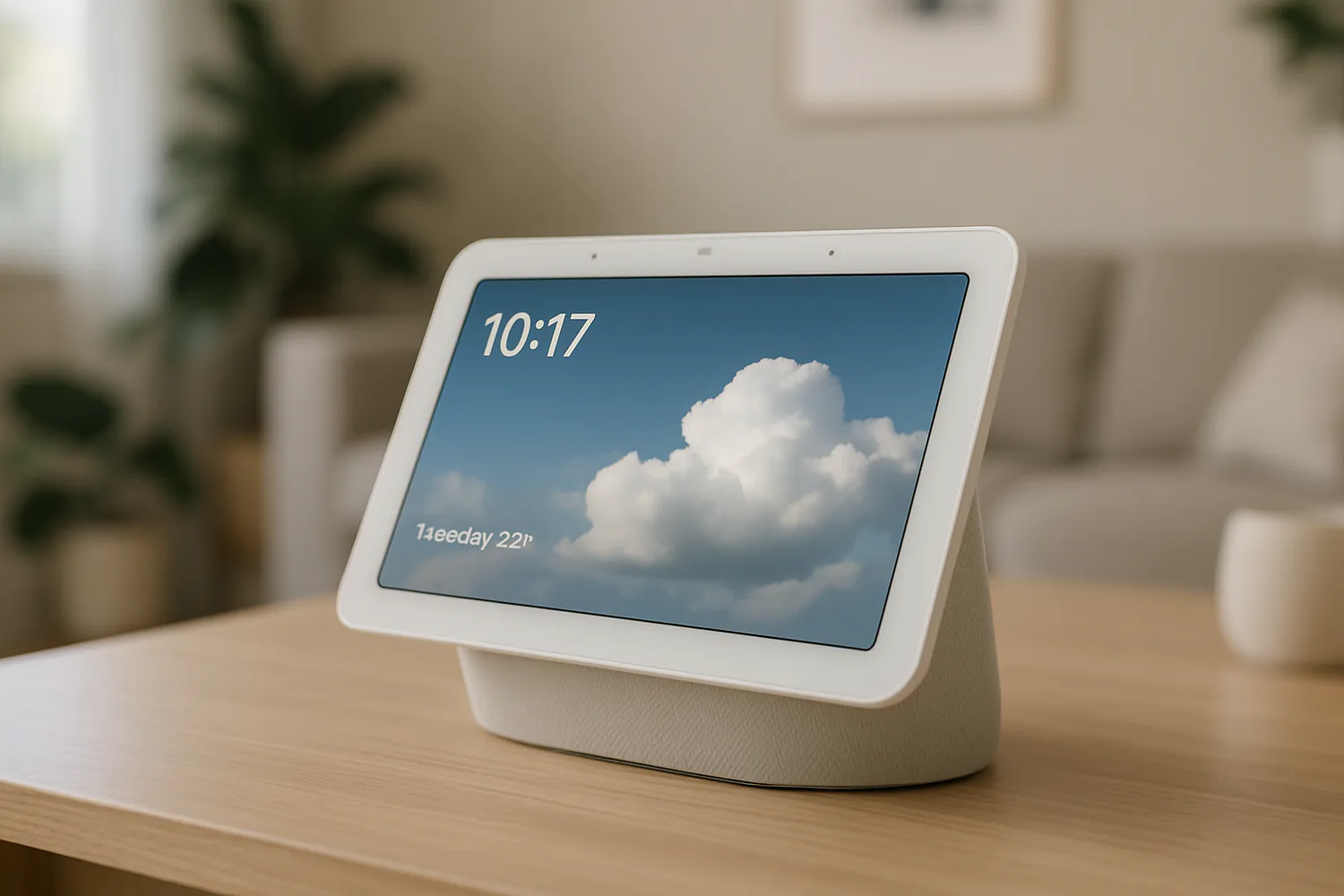
HomeView is a 7-inch touchscreen hub that comes in wall-mounted and tabletop versions. It runs on Apple's A18 chip with support for the new Siri AI, controls compatible smart home accessories and can recognize different members of a household. Setup and multiuser support require a compatible iPhone or iPad running the latest software.
Which devices unlock personal features
Personal context, such as finding details in your Messages or Calendar and taking actions across apps, needs an Apple Intelligence-compatible device, with Siri AI turned on and a supported language. According to TechRadar, eligible devices are:
- iPhone 15 Pro or any iPhone 16 or newer (the standard iPhone 15 does not qualify)
- iPad mini with A17 Pro
- Any iPad with an M1 chip or newer
Customizing Siri's voice, including expressiveness and speaking speed, needs an even newer device: an iPhone 17 Pro, iPhone Air, iPhone 18 Pro, iPhone Duo, or an M4-or-newer iPad with at least 12GB of RAM. Check our full Siri AI compatible devices list to see where your hardware stands.
AI camera features need iCloud+
HomeView can summarize and search footage from HomeKit Secure Video cameras and highlight events across multiple cameras. That requires a HomeKit Secure Video-compatible camera, HomeView or another Apple home hub, an Apple Intelligence iPhone or iPad, and an eligible iCloud+ plan. Apple says footage is processed on the hub or through Private Cloud Compute.
| iCloud+ plan | US price | Australia price |
|---|---|---|
| 50GB | $0.99/month | AU$1.49/month |
| 200GB | $2.99/month | AU$4.49/month |
| 2TB | $9.99/month | AU$14.99/month |
HomeKit Secure Video recordings are kept for 10 days and do not count against your iCloud storage. Without iCloud+, you can still view a camera's live feed and receive basic notifications, but you lose AI summaries and searchable history.
What works without extra devices or subscriptions
- Answering general-knowledge questions
- Controlling compatible smart home accessories
- Music playback and discovery
- Viewing live camera feeds and basic accessory notifications
Should you buy Apple HomeView?
If you already own a recent iPhone or iPad and pay for iCloud+, HomeView unlocks nearly everything on day one and the $299 price is the real cost. If your iPhone is older than an iPhone 15 Pro, budget for an upgrade or accept a more basic hub. For more on what is coming to Apple devices this year, see our iOS 27 features guide.
How much does Apple HomeView cost?
HomeView costs $299 in the US, £299 in the UK and AU$449 in Australia. Amazon is taking pre-orders at $289.99.
When does Apple HomeView ship?
HomeView ships on November 13.
Do I need iCloud+ for HomeView?
Only for AI camera features such as video summaries and searchable recordings. Basic smart home control and live camera viewing work without it.