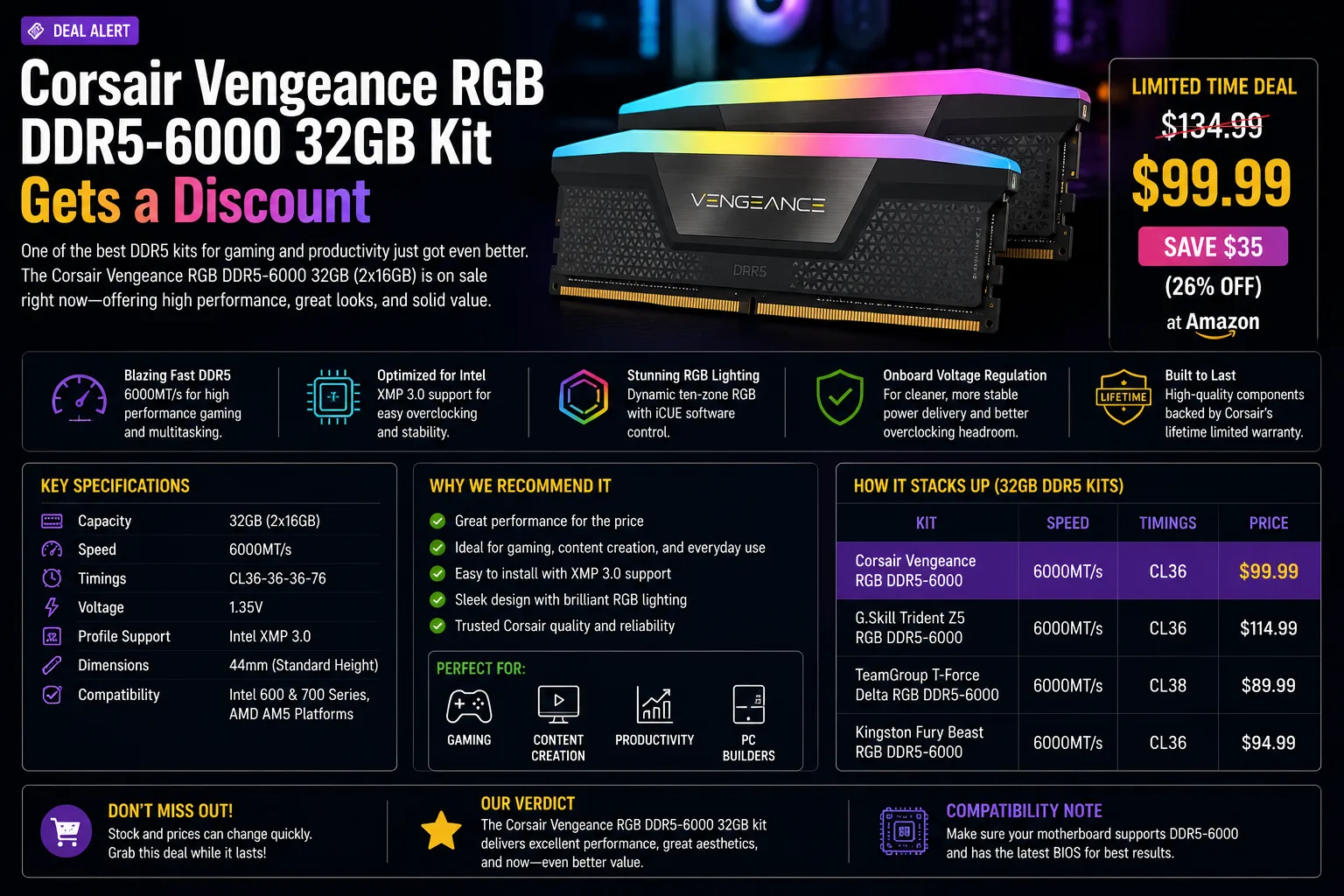
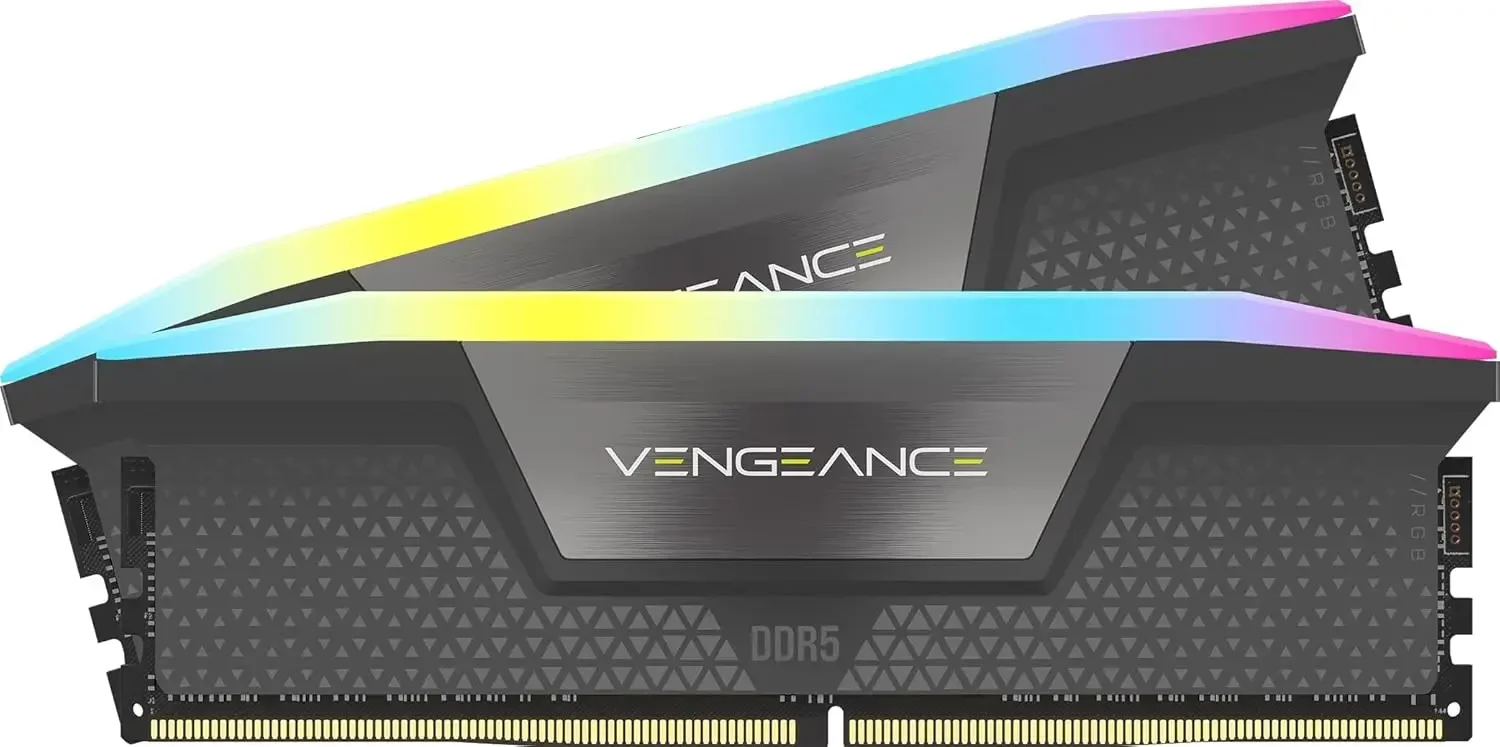
Memory has been one of the most annoying line items in a PC build this year, so a real discount on a good DDR5 kit is worth flagging. Corsair's Vengeance RGB DDR5-6000 32GB kit sits in the performance sweet spot for modern gaming rigs, and the latest price cut makes it much easier to recommend.
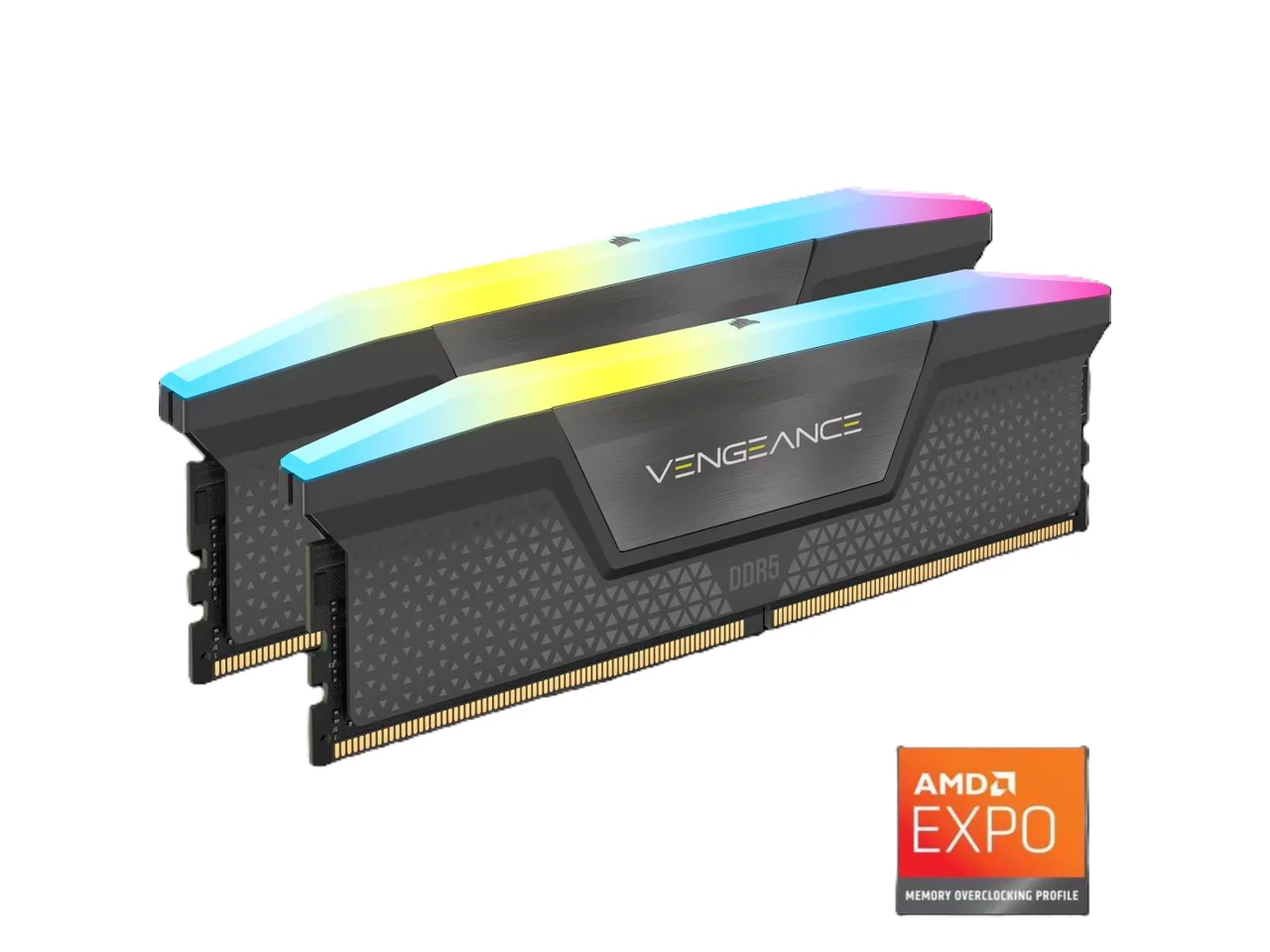
Why DDR5-6000 is the sweet spot for gaming PCs
For most gaming and everyday builds on current platforms, DDR5-6000 hits the balance point between speed, stability, and price. Push much faster and you often pay a premium for gains you'll rarely notice outside benchmarks; go slower and you leave a little performance on the table. A 32GB kit (typically two 16GB sticks) is also the current comfortable default: enough headroom for gaming, multitasking, and light creative work without overspending on capacity you won't use.
- Latency beats raw speed. Past roughly DDR5-6400 you usually pay a premium for gains you will not feel outside a benchmark run.
- Stability matters. DDR5-6000 is the speed most current AMD and Intel platforms hit reliably with a single EXPO or XMP toggle.
- Availability. It is the most widely stocked DDR5 speed, which keeps pricing competitive even during a shortage.
How much DDR5 do you actually need in 2026?
| Capacity | Best for | Verdict in 2026 |
|---|---|---|
| 16GB (2x8GB) | Office work, light gaming | Too tight for new games and browser-heavy multitasking |
| 32GB (2x16GB) | Gaming, streaming, light creative work | The sensible default — and what this kit is |
| 64GB (2x32GB) | Video editing, 3D, large VMs | Overkill for gaming; only worth it if a workload demands it |
For almost everyone building or upgrading a gaming PC, 32GB is the target. It leaves headroom for a game plus a browser, Discord and a capture tool without paying for capacity that sits idle.
Check compatibility before you buy
- Your motherboard must be a DDR5 board — DDR5 sticks do not fit DDR4 slots, and there is no adapter.
- Confirm the board's QVL or supported speeds list covers DDR5-6000.
- Enable EXPO (AMD) or XMP (Intel) in the BIOS, or the kit will run at a slower default speed.
- Check clearance if you use a large air cooler — RGB kits are taller than plain modules.
Should you buy this Corsair DDR5 kit?
If you're building a new gaming PC or upgrading an older DDR4 system, this discounted Corsair kit is an easy pick: you get a proven brand, RGB looks, and a spec that pairs well with today's CPUs. Just check that your motherboard supports DDR5 and the rated speed, and confirm the current price at checkout, since memory deals move fast. If you already run a solid DDR5 kit, there's no need to upgrade purely for the discount.
If GPU and memory pricing is the reason you are holding off on a whole build, our best graphics cards 2026 guide covers where the rest of your budget is best spent.
Corsair Vengeance RGB DDR5-6000 FAQ
Is 32GB of DDR5 enough for gaming in 2026?
Yes. 32GB is the comfortable default for gaming, streaming and light creative work. 16GB is now tight for newer titles, and 64GB only pays off for heavy video, 3D or virtual machine workloads.
Is DDR5-6000 fast enough, or should I buy faster memory?
DDR5-6000 is the practical sweet spot. Faster kits cost more and are harder to run stably, and the real-world difference in games is usually within a few frames per second.
Will DDR5 work in a DDR4 motherboard?
No. The slots are physically keyed differently. Moving from DDR4 to DDR5 means a new motherboard, and usually a new CPU as well.
Do I need to change any BIOS settings?
Yes. Enable EXPO on AMD boards or XMP on Intel boards. Without it, the kit runs at a slower JEDEC default rather than its rated DDR5-6000 speed.
Why are DDR5 prices rising?
AI data-centre demand is absorbing a large share of global DRAM output, which has pushed module prices up across the board. That is also feeding into graphics card pricing.
Is RGB memory worth paying extra for?
Only if you have a windowed case. RGB modules cost a little more and sit taller, which can clash with large air coolers. Performance is identical to non-RGB equivalents.