6K monitors have arrived properly. Samsung's Odyssey G80HS puts a 6K panel on a mainstream gaming-branded display, Apple and Dell already sell 6K panels aimed at creative work, and prices have started drifting down from the eye-watering into the merely expensive. The obvious question for anyone building a desk in 2026: is 6K actually better to work on, or is it a specification chasing a problem?
What 6K actually means
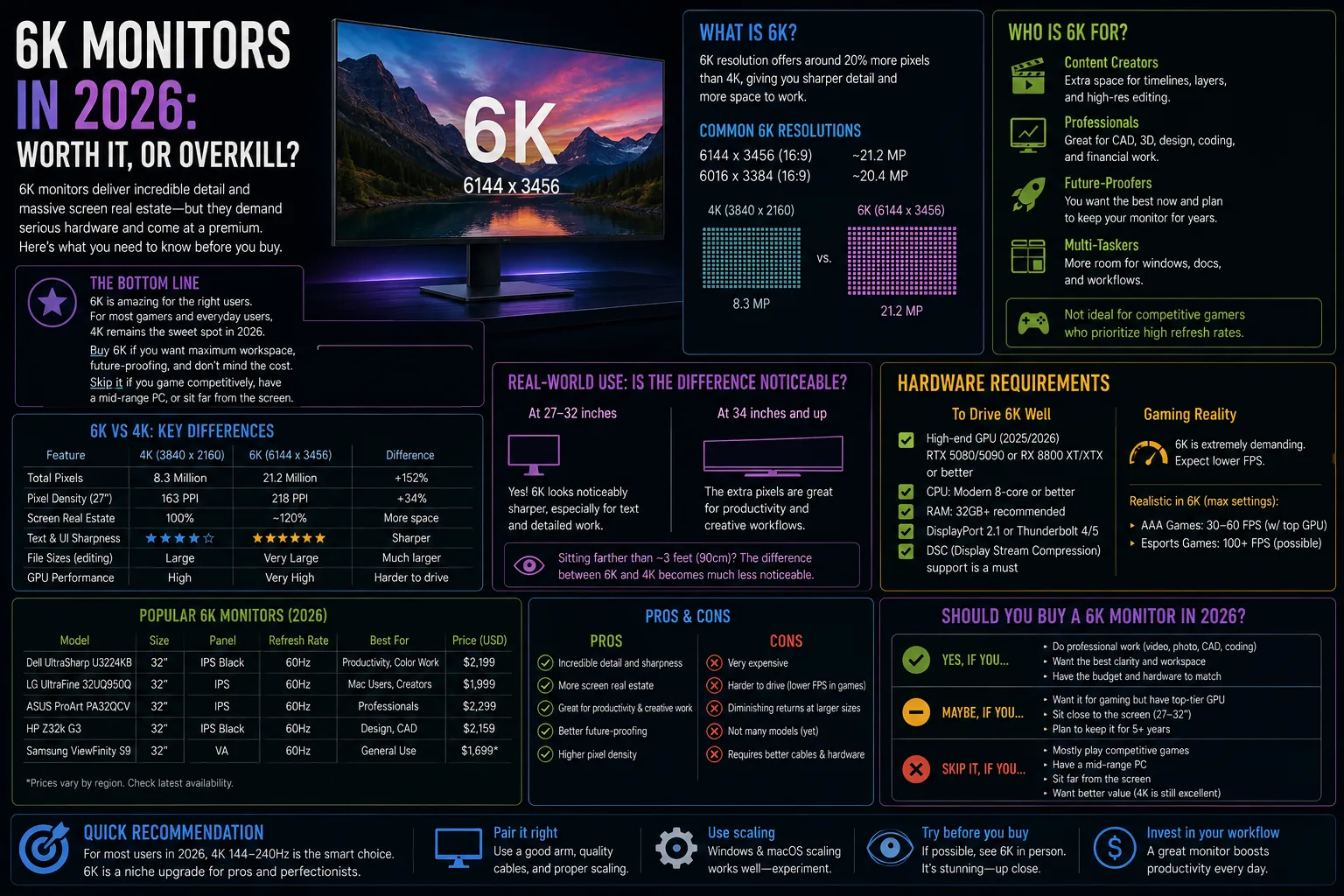
6K generally refers to a 6144×3456 panel, roughly 1.5 times the horizontal pixels of 4K and about 2.25 times the total pixel count. On a 32-inch display that lands near 218 pixels per inch — the density Apple has used for "Retina" desktop displays, and the point at which individual pixels become genuinely invisible at normal viewing distance.
That number is the whole argument. 4K at 32 inches works out around 138 PPI, which is sharp but sits awkwardly between scaling factors. 6K at 32 inches hits a clean 2x scale, meaning the operating system can render text at exactly double resolution with no interpolation. The result is print-like text rather than merely good text.
Resolution comparison at 32 inches
| Resolution | Pixels | PPI at 32" | Scaling | Best for | GPU demand |
|---|---|---|---|---|---|
| 1440p | 2560×1440 | ~92 | Native 1x | High-refresh gaming | Low |
| 4K | 3840×2160 | ~138 | Fractional | General purpose | Moderate |
| 5K | 5120×2880 | ~184 | Clean 2x at 27" | Text and photo work | High |
| 6K | 6144×3456 | ~218 | Clean 2x | Code, design, documents | High |
| 8K | 7680×4320 | ~275 | Clean 2x at 40"+ | Very little, currently | Very high |

Who should actually buy a 6K monitor
- Developers and writers. You look at text for eight hours a day. Sharper glyph rendering reduces eye strain more than any other single change to a desk, and the extra vertical space fits more code without scrolling.
- Photo and video editors. A 6K panel displays a 4K timeline at full resolution with room for the interface around it, which removes a constant compromise.
- Anyone currently running two 4K monitors. One 6K display frequently replaces both, with better ergonomics and one cable instead of a nest of them.
- People with a modern GPU and a spare display port. Driving 6K requires DisplayPort 2.1 or Thunderbolt 4/5. Check your machine's output before you buy, not after.
- Not gamers. Refresh rate, response time and frame pacing matter enormously more than pixel density for games, and 6K punishes even strong GPUs.


What you need to drive one
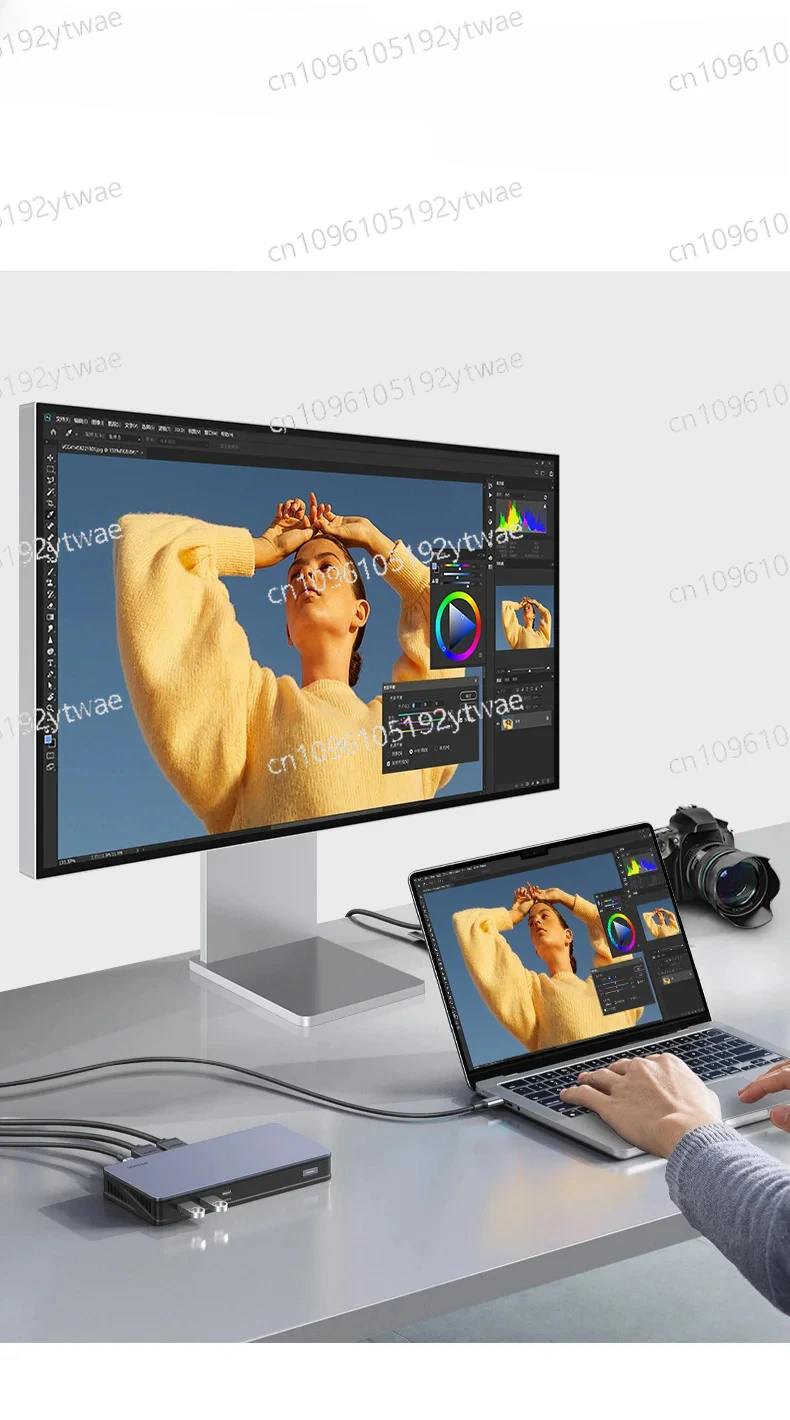
This is where 6K trips people up. A 6K panel at 60Hz needs substantially more bandwidth than 4K, and many older machines simply cannot output it — or will do so only at reduced refresh rates using display stream compression.
- Check the port, not the GPU model. You need DisplayPort 2.1, Thunderbolt 4/5, or HDMI 2.1 depending on the panel.
- Use the cable that came in the box. Cheap third-party cables are the single most common cause of dropouts and flickering at high bandwidth.
- Expect real GPU load even on the desktop, particularly with multiple displays attached.
- Laptops need to be checked individually — external display limits vary widely even within one manufacturer's range.
- Budget for a monitor arm. 32-inch panels are heavy and included stands rarely adjust enough.
If the GPU side is your bottleneck rather than the monitor, our guide to the best graphics cards in 2026 covers which cards actually have the display outputs you need at current prices.
The case against 6K
Two honest objections. The first is price: 6K panels still command a substantial premium over very good 4K displays, and the gap buys a lot of other desk equipment. A better chair will do more for an eight-hour workday than a sharper panel, and our Herman Miller Aeron review makes the case for spending there first.
The second is diminishing returns. The jump from 1080p to 4K is dramatic and obvious to everyone. The jump from 4K to 6K is real but subtle, and it is most visible in text. If your work is mostly video calls, spreadsheets viewed at a distance, or gaming, you will struggle to justify the difference.
How to set one up properly
Buying the panel is the easy part. Getting it right involves a few settings people routinely skip.
- Set scaling to the clean 2x option rather than a fractional setting, which reintroduces the softness you paid to eliminate.
- Sit slightly further back than with a 4K panel. A 32-inch display at arm's length is too close for comfortable full-screen viewing.
- Calibrate brightness to your room, not to the showroom default. Most panels ship far too bright for indoor use.
- Match your desk lighting to reduce contrast between screen and surroundings — the biggest cause of eye fatigue after resolution.
- Check refresh rate after connecting. Systems frequently default to a lower rate than the panel supports.
If you are rebuilding a workspace around a new display, our home office upgrade guide covers the supporting equipment that determines whether a good monitor actually feels good to use.
6K monitor FAQ
Is a 6K monitor worth it over 4K?
For text-heavy work at 32 inches, yes — 6K allows clean 2x scaling and noticeably sharper text. For gaming or general media viewing, a high-refresh 4K panel is the better use of money.
What GPU do I need for a 6K monitor?
You need a modern output rather than a specific card: DisplayPort 2.1, Thunderbolt 4 or 5, or a compatible HDMI 2.1 connection. Verify your machine's external display limits before buying.
Can you game on a 6K monitor?
You can, but few GPUs sustain high frame rates at that resolution. Most people run games at a lower resolution on the panel, which negates much of the benefit.
Does 6K help with eye strain?
Sharper text rendering can reduce fatigue for people who read on screen all day, though lighting, viewing distance and break habits matter at least as much.
Is one 6K monitor better than two 4K monitors?
Often yes. A single large panel offers better ergonomics, one cable, and no bezel down the middle, though two displays remain more flexible for separating tasks.
Will 6K monitors get cheaper?
Prices have been falling as more manufacturers enter the category, but component costs across the industry are currently under upward pressure, so steep drops are not guaranteed in the near term.
Sources
- Samsung display product documentation
- VESA DisplayPort 2.1 specifications
- Apple and Dell display specifications
- The Verge
- Ars Technica
- Tom's Hardware